Your AI Song music tool
AI Music Generator
Create two playable song variants from an idea, original lyrics, or an instrumental brief.
Prompt
Style
Generate
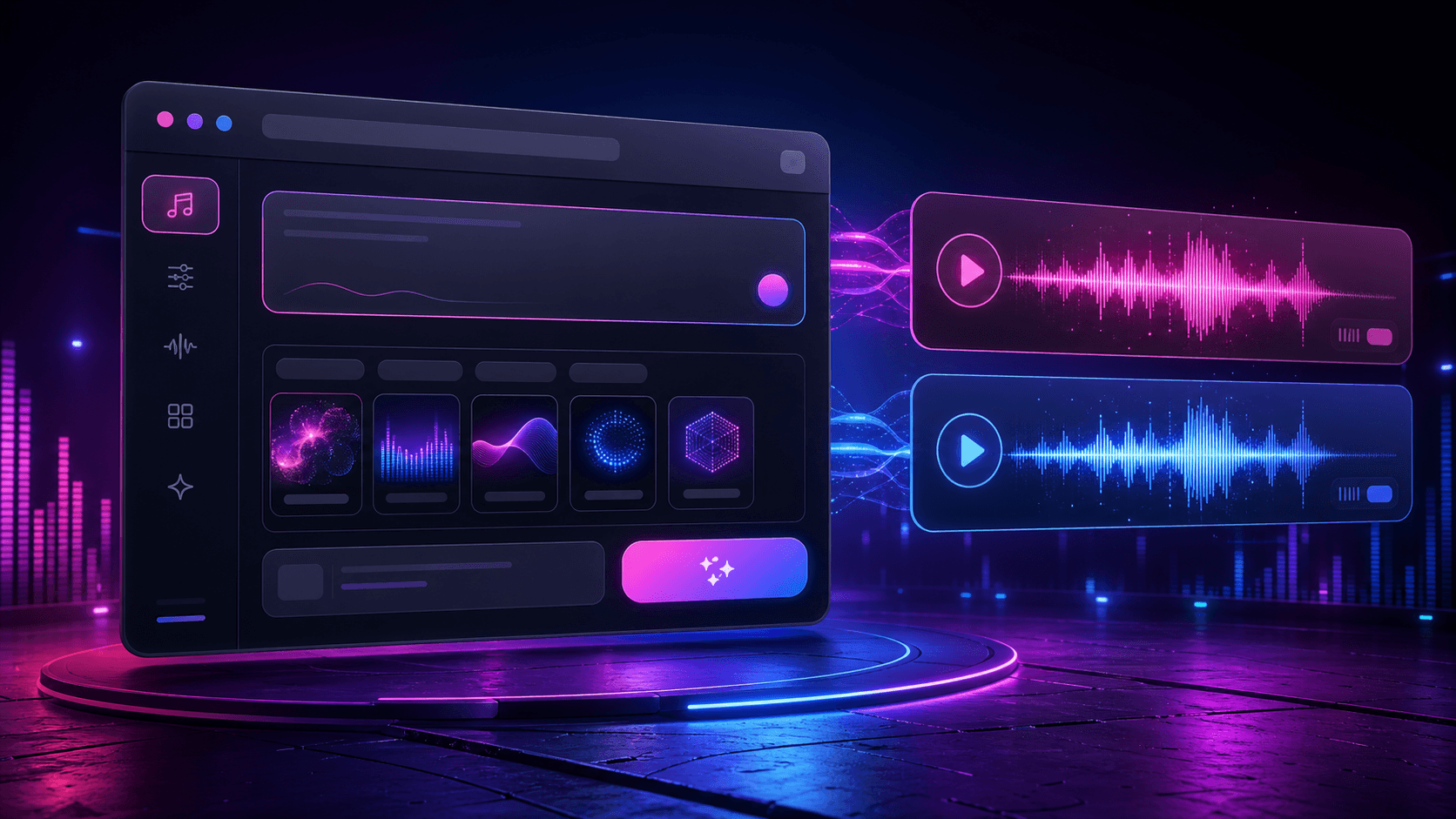
AI Song Maker & Music Generator
Lyrics, prompts, styles, and titles in one workflow
Best use
Best for the main song-making flow: prompt, style, title, generation status, playback, and browser history.
Example prompt
Create an anthemic synth pop hook for a launch video.
Compare plansFAQ
How many songs does one generation create?
A completed generation can return up to two playable variants for review.
Can I make an AI song without writing lyrics?
Yes. Use text-to-song mode and describe the subject, mood, style, voice, and structure you want the first draft to explore.
Can I turn my own lyrics into a song?
Yes. Switch to custom lyrics, paste words you wrote or have permission to use, label the sections, and describe the musical direction separately.
Can the AI music generator create instrumental tracks?
Yes. Turn on instrumental mode and describe the scene, pacing, important instruments, and whether the track needs room for narration.
Can I use a generated song commercially?
Commercial-use eligibility depends on the active paid plan, provider terms, account status, rights-cleared inputs, and applicable law. Review the current terms before publishing client or commercial work.
Guide 1
Three ways to create AI music
Start from the material you already have. A short idea works best in text-to-song mode, finished words belong in custom lyrics, and music for videos or podcasts can begin in instrumental mode.
All three workflows use the same creation workspace, but the prompt should tell the generator a different job. A vocal song needs a clear story and chorus direction, while background music needs pacing, instrumentation, and space for speech.
- Text to song: describe the subject, listener, emotion, genre traits, and hook you want to explore.
- Lyrics to song: paste original lyrics, label verses and choruses, then describe voice and arrangement.
- Instrumental music: name the scene, duration, energy curve, key instruments, and intended use.
Guide 2
How to create an AI song step by step
Write a focused brief, select the matching mode, and keep the first generation simple enough to evaluate. You can change style, voice, tempo, language, duration, and instrumental settings before submitting.
When generation finishes, listen to both variants from beginning to end. Save the stronger direction, then revise one important variable instead of rewriting every setting at once.
- 1. Describe the song's purpose, audience, mood, and central idea.
- 2. Add original lyrics or leave text-to-song mode active for an idea-first draft.
- 3. Choose a coherent style, voice, tempo, language, and target duration.
- 4. Generate and wait for the available variants to complete.
- 5. Compare lyric clarity, hook strength, vocal fit, arrangement, and ending.
Guide 3
AI music prompt examples
A useful prompt describes decisions a listener can hear. Use these original examples as starting points and replace the scene, emotion, and production details with your own direction.
- Pop song: Create an uplifting modern pop song about rebuilding confidence, with a close piano-led verse, clear lead vocal, restrained drums, and a bright layered chorus that repeats one simple hook.
- Lyrics to song: Preserve the supplied words, use a warm acoustic-pop arrangement, keep the verse intimate, widen the chorus with supportive harmonies, and finish with a short instrumental resolution.
- Video background: Create a 75-second cinematic instrumental with low piano, measured percussion, and a hopeful final build. Leave space for narration and avoid an abrupt trailer-style ending.
- Podcast intro: Make a concise electronic theme with a warm pulse, one recognizable melodic motif, no vocals, and a clean ending under 20 seconds for a spoken show title.
Guide 4
How to review and improve the first draft
Do not judge only the opening. Check whether the words are understandable, sections have enough contrast, the chorus is memorable, the voice fits the story, and the ending feels deliberate.
Turn the biggest problem into one revision instruction. Shorten an overcrowded lyric line, reduce instruments under the vocal, bring the chorus in earlier, or request a cleaner outro. Focused changes make comparisons more useful and help control credit usage.
Guide 5
Original inputs and responsible generation
Use lyrics, recordings, names, and personal details that you created or have permission to use. Do not request a clone of a real person's voice, copy copyrighted lyrics, or ask for a recognizable existing melody.
Describe musical traits such as warm acoustic guitar, restrained verses, crisp drums, or layered harmonies instead of naming an artist. Keep your lyric drafts and generation records, and review the current plan and legal terms before commercial distribution.
Practical guides
Improve your next generation
Related tools
Keep building your song workflow
Create your first AI song draft
Start with free account credits, compare the available variants, and choose a paid plan only when you need a larger workflow.